A different approach to graduation
Client
GradsmartAI
Year
2026
GradSmart AI is an AI-powered academic planning web app built for college and university students. It acts as a smart academic advisor — helping students map out their entire degree path, avoid costly mistakes in course selection, and graduate on time.
Students enter their university, degree type, major, academic year, semester started, target GPA, and any transfer or AP credits already earned. From there, the AI generates a personalized academic plan tailored specifically to them.
Scope of Work

Which allows your project pages to be highly adaptable.
Unlike traditional templates with rigid image slots, this system gives you complete freedom to present unlimited project images without modifying the template structure. Your portfolio adapts to your content rather than forcing your work to fit predetermined formats, ensuring your projects look professional across all devices.


Add optional descriptions to explain your work.
Enhance your project showcases with tailored descriptions that provide context and highlight key aspects of your process. These optional text blocks let you emphasize specific features, explain challenges you overcame, or detail the results achieved for the client.

You can select ratios for your images.
Choose from various aspect ratios to present your work in the most flattering format. This flexible system allows you to optimize each image display based on content type - whether you need widescreen presentations for landscapes or square formats for logos.

For example this image is using a 16:9 ratio.
Widescreen formats are perfect for showcasing device mockups, web designs, and panoramic visuals. The 16:9 ratio provides a cinematic feel that works exceptionally well for digital interfaces and presentation-style content.
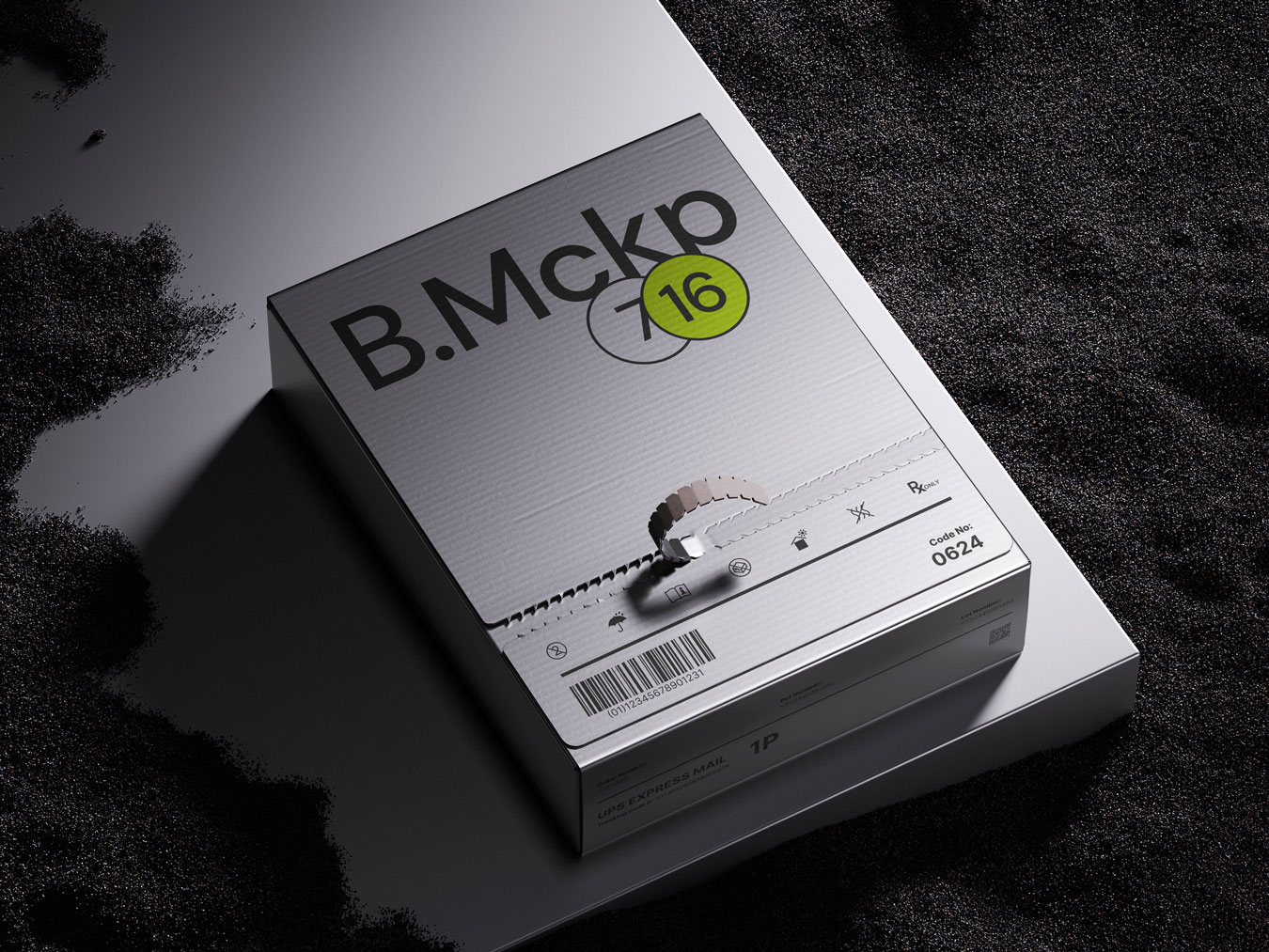
And this one is using a 4:3 ratio.
The classic 4:3 ratio offers a balanced frame for product photography, print work, and traditional layouts. This proportion provides more vertical space, making it ideal for packaging designs, book covers, and print materials.


You can even add a second image.
Create powerful visual comparisons by placing images side by side. This feature is perfect for before/after demonstrations, showing variations of a design, or presenting multiple views of physical products. Paired images tell a more complete story of your creative process.